

0%
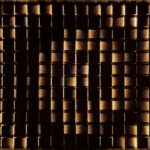
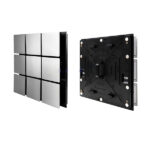
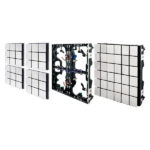
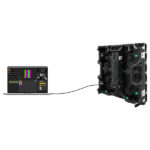
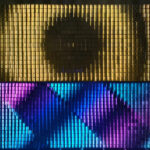
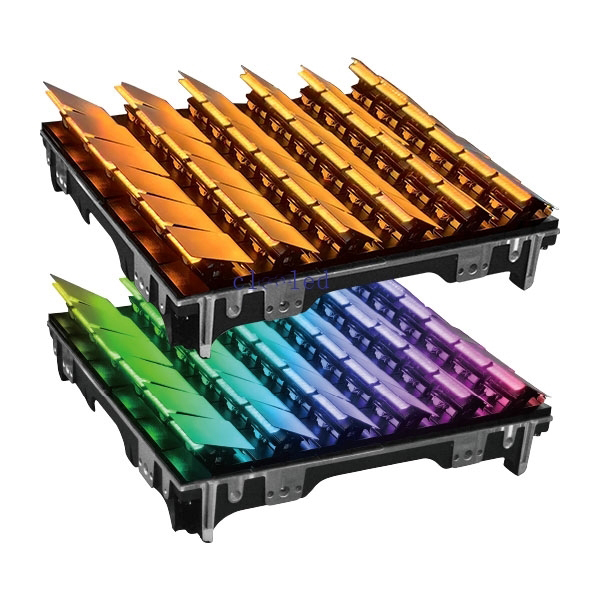
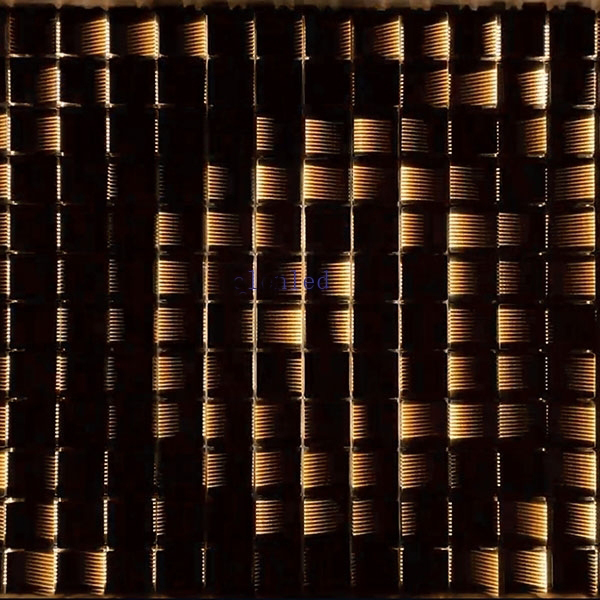
Scalelike matrix light
18
People watching this product now!
Description
Matrix LED Light
Specification
DC24V low voltage power supply, DMX signal input;
Automatic calibration (reset) after power-on;
The 60-degree floating angle can be controlled arbitrarily, and the speed changes with the push rod speed
DMX signal control, can be used in series;
The controller each port can support 128 CW&WW Scalelike Matrix;
The controller each port can support 128 Scalelike Matrix;
The cabinet installation is simple and convenient, and the area coverage effect is better;
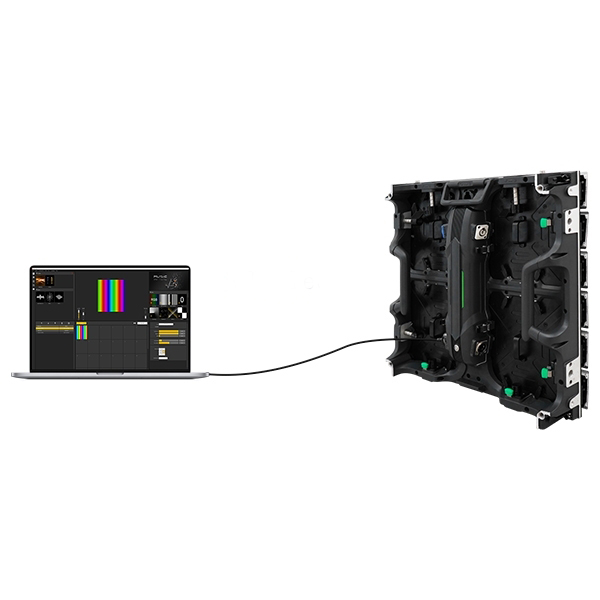
It can work with ARTNET software (MAD-SHOW, MADRIX), and supports offline use;
Support program remote upgrade;
Working voltage(AC):A110-220V Max Power:180W
LED type:3030RGB Number of cascade units:254PCS
Control mode:Artnet Weight:10KG
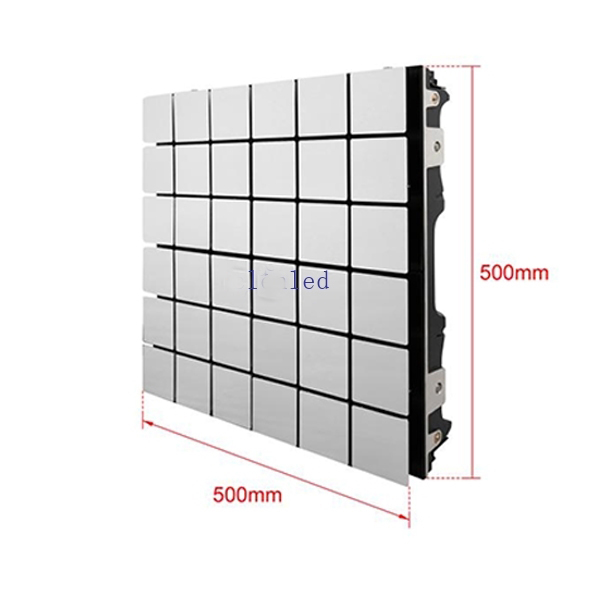
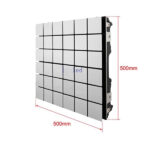
Channel :RGBW Size:500*500*110mm
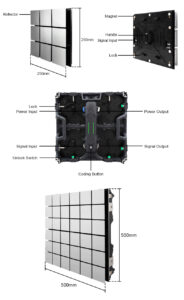
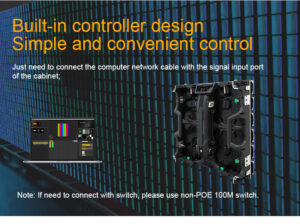
Matrix LED Light
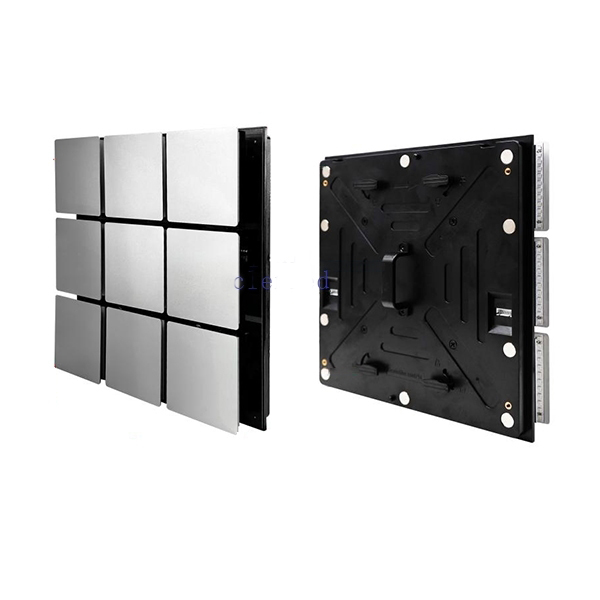
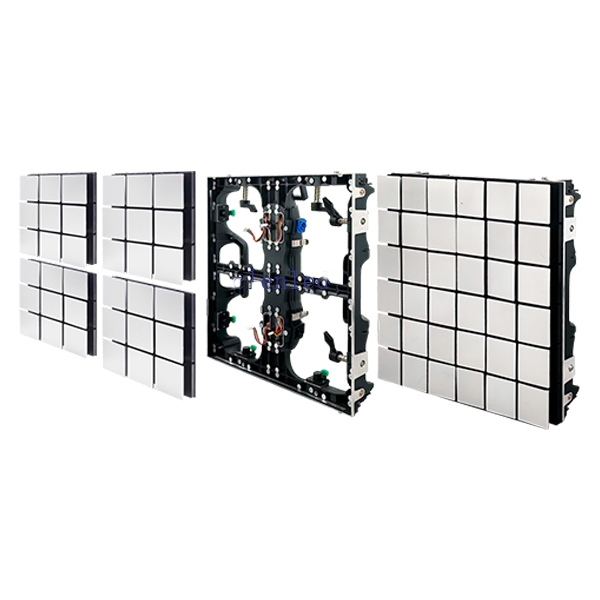
Scalelike Matrix Cabinet installation
The action module has a magnetic suction + lock to double fix the boxConnect the signal output port
of the cabinet with the signal input port of the action module ;
of the cabinet with the signal input port of the action module ;

The back of the action module is magnetically fixed close to the cabinet
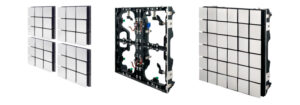
Follow the instructions to turn the lock on the back of the Scalelike Matrix to complete
the fixed installation;
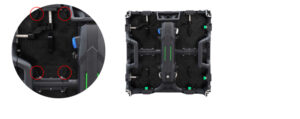
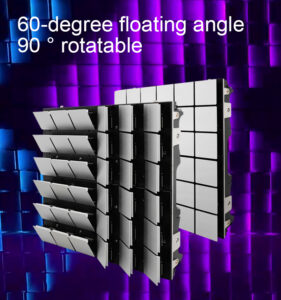
Remove the screws on the back of the module,Separate the action module and rotate the module 90°;
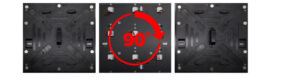
Cabinet splicing
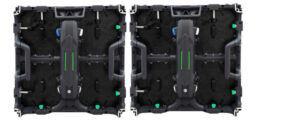
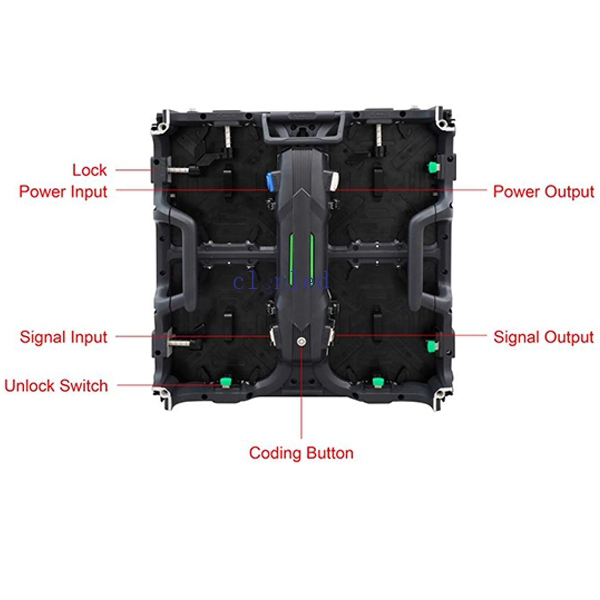
After aligning the cabinet, press the lock into the cabinet and turn the lock to fix according to the direction of the lock

Press the green unlock switch to open the lock

Scalelike Matrix cabinet wiring
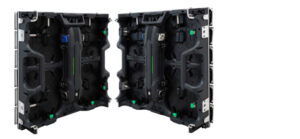
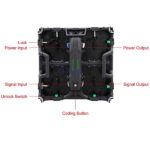
Power cable cascading: the output end of the previous cabinet is connected to the input end of the next cabinet to complete the power cascading;(The power cable can connect max 12pcs cabinets together)

Signal cable cascading: the signal output of the previous cabinet is connected to the signal input of the next cabinet to complete the signal cascading
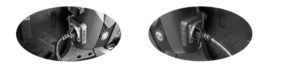
Note: The left side of the cabinet is the signal input port, and the right side is the signal output port. Please connect them correctly.
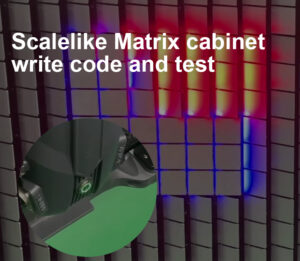
Matrix LED Light
Button function
Click:To check whether the cabinet can work normally
Double-click:Completing coding for one cabinet
Press and hold for 3 seconds:The button will change from green to red. Release the button then will complete codin for all cabinets.
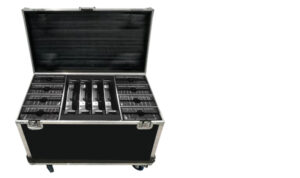
Press and hold for 10 seconds:Reset to factory setting Flight case packing
Reviews (0)
You must be logged in to post a review.
Reviews
There are no reviews yet.