
3D Matrix Light: Enhancing Your Visual Experience
3D Matrix Light
Elevate Your Events with Stunning Visual Effects and Creative Lighting Solutions
MODEL:CLF-3DP83-3M
specification
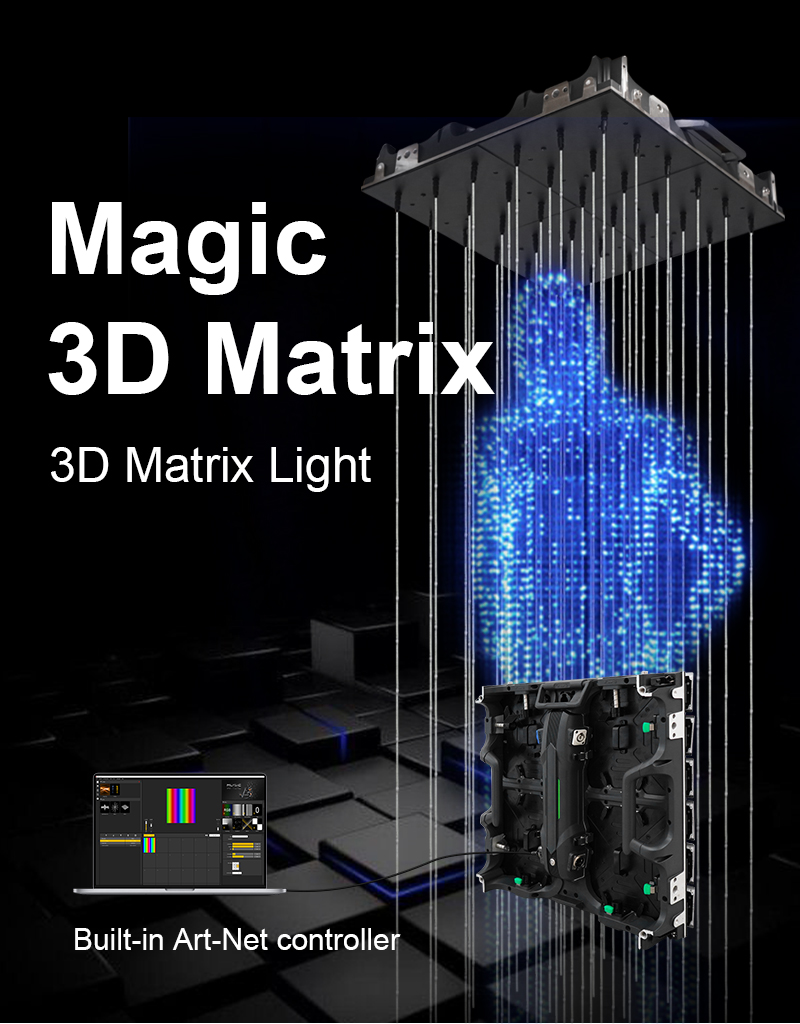
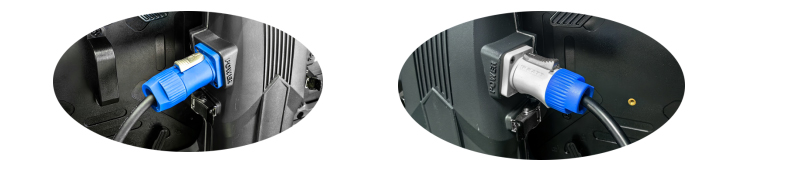
AC110-220V wide voltage power supply, Art-Net signal input;
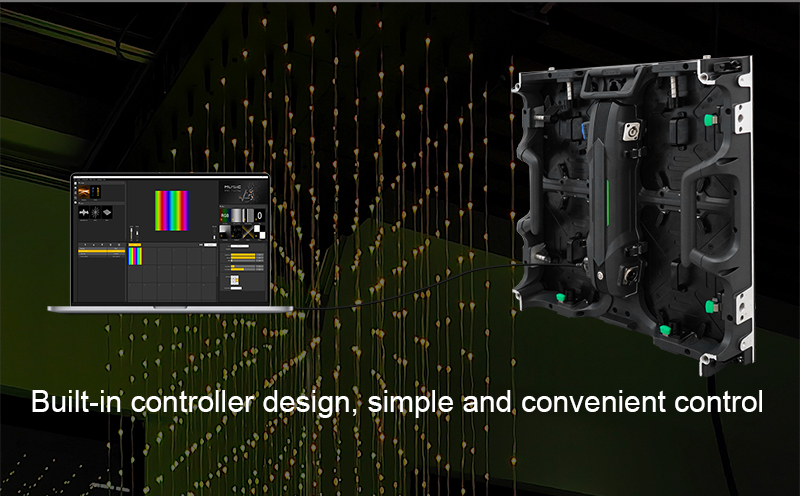
Built-in controller design, simple and convenient control;
Art-Net signal control, can be cascaded for multiple use;
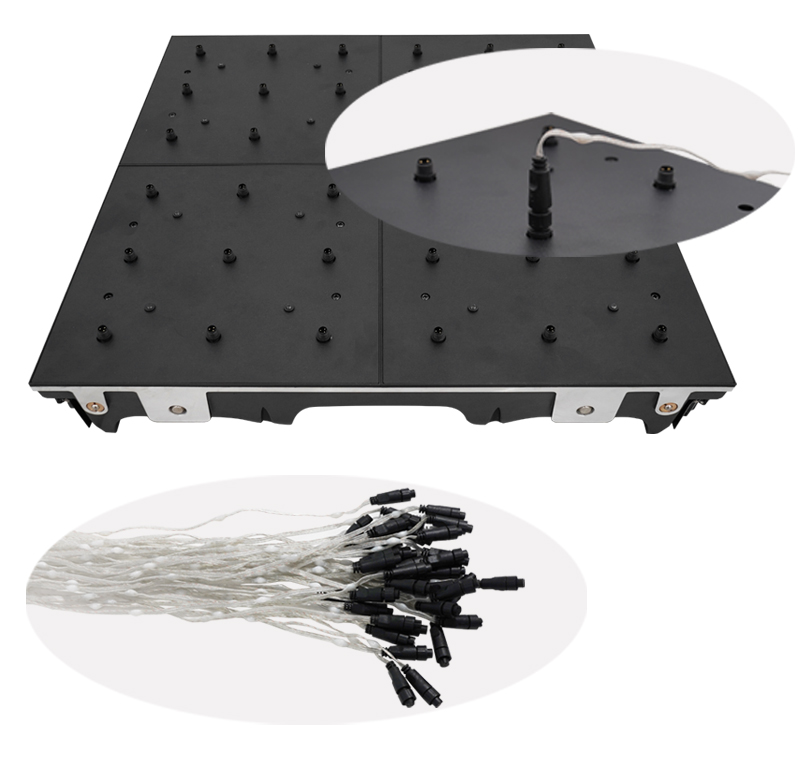
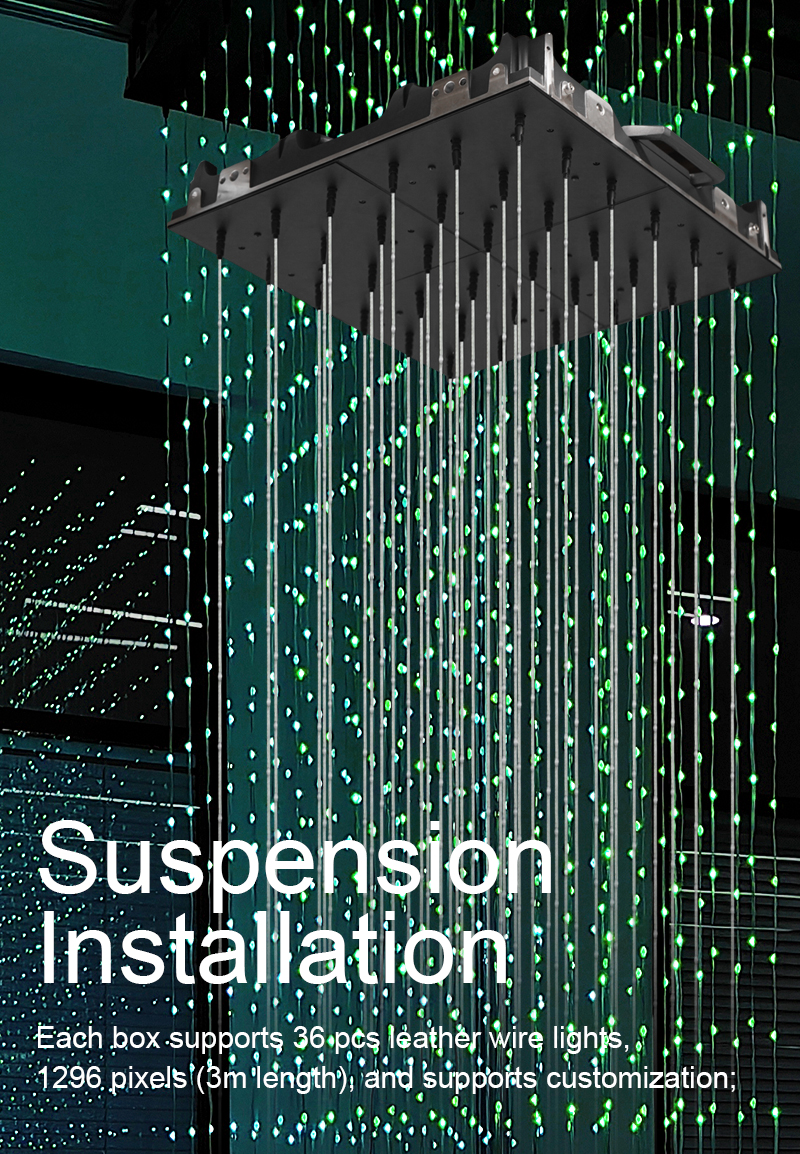
Each box supports 36 pcs leather wire lights, 1296 pixels (3m length), and supports customization;
The maximum of cabinet which can be cascaded is 254pcs;
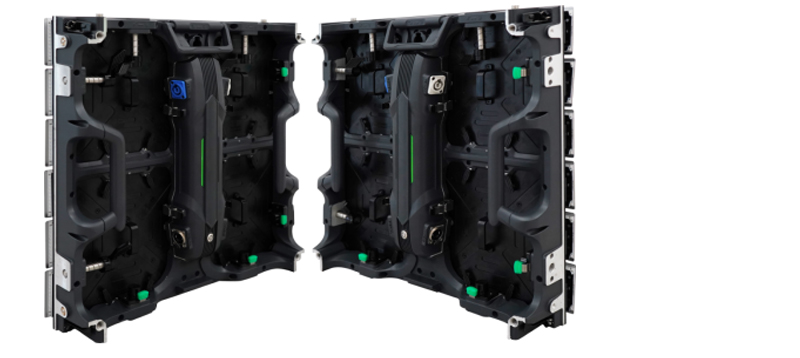
Magnet + lock double installation protection, more stable structure;
Cabinet installation, better area coverage effect;
Can be used with ARTNET protocol software (MAD-SHOW, MADRIX), support offline use;
Support remote program upgrade;
Application: commercial venues, exhibition management, hotels, etc;
Working voltage(AC):A110-220V Box Matrix power:135W
Control Mode:Art-Net/SD Card Channel:RGB
Number of Cascade Units:254PCS Product Weight:9KG
Pixel Spacing:83mm Box Matrix Pixel:1296PCS
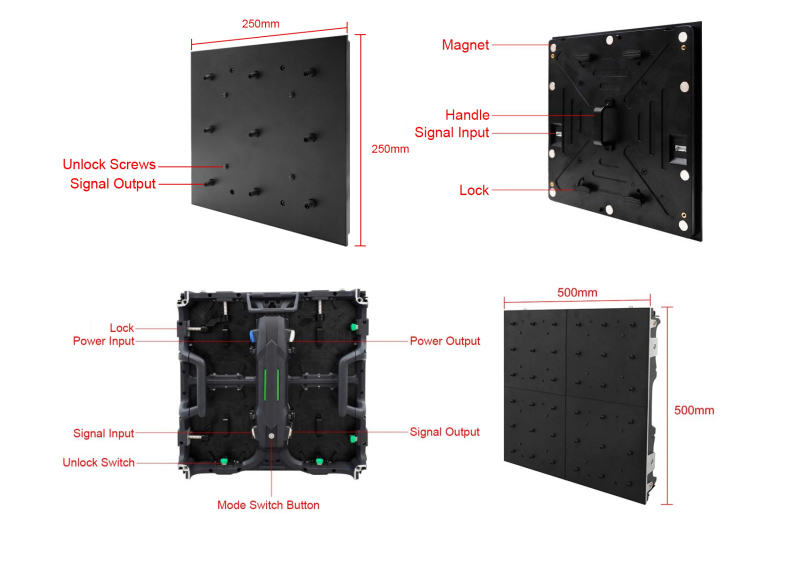
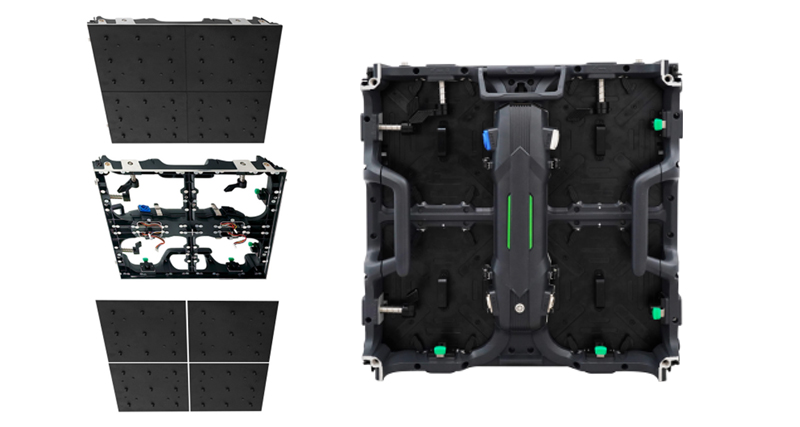
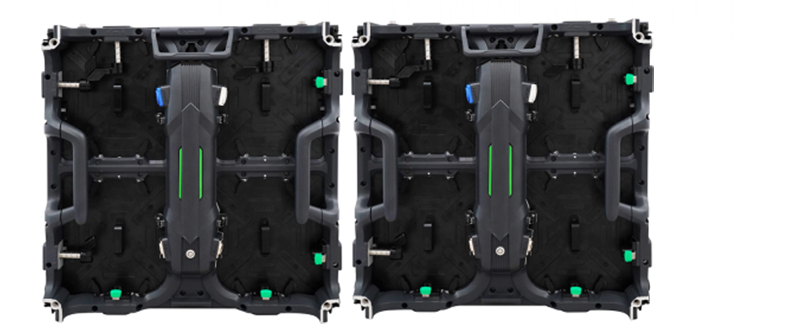
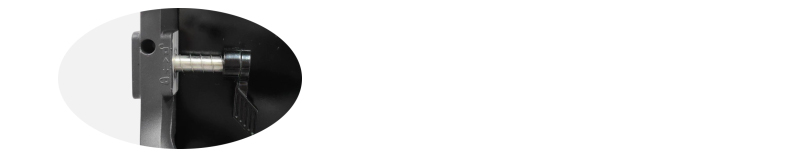
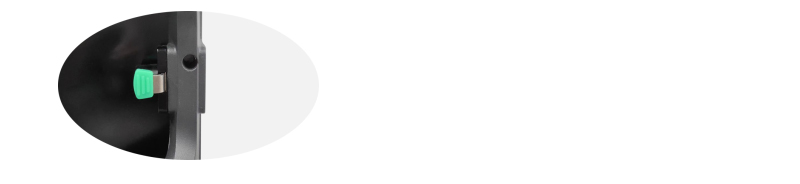
The module has a magnetic connection + lock to double fix the box
The back of the module is fixed magnetically close to the cabinet;
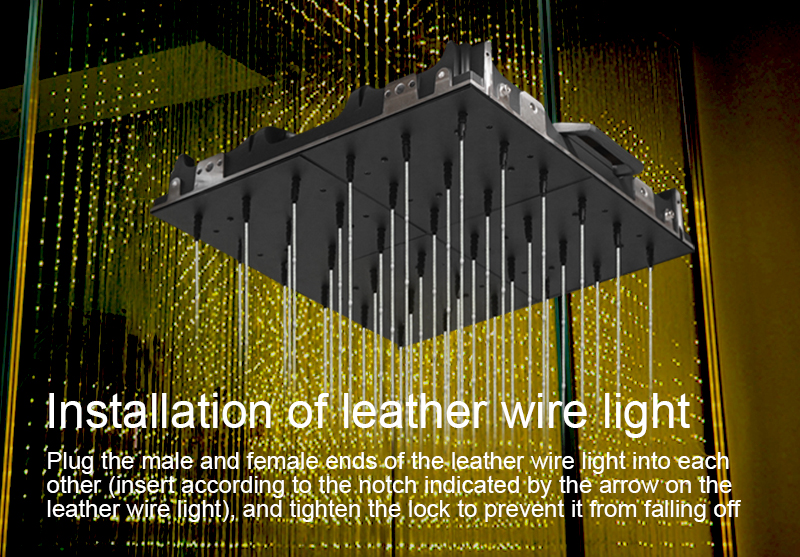
Plug the leather wire lights one by one

3D Matrix Light
Button Operation Instructions
Mode Switch Long press the button for 3S-8S (release the button after it flashes to complete
the mode switch.Currently,there are two modes: Art-Net and SD card.
SD card mode In SD card mode, click the button to switch the built-in effects of the controller.
comes on. When the green signal light flashes, the upgrade starts. When the
flashing stops, the upgrade is complete.
Factory restore Long press the button for 10S (release the button after the button light goes out
to complete the factory reset)
Channel list
Channel Name Number Direction
1 Mode selection 000-247 Use 31 build-in lighting effects (one effect for every
8 addresses, and 0-7 for SD card effect 1)
248-247 Switch to ART_NET mode
2 Speed 000-255 0 is the slowest speed, 255 is the fastest speed, SD
card mode is valid
3 Brightness 000-255 0 is brightness off, 255 is the brightest brightness,
SD card mode is valid
4 R-mask 000-255 Delete the red in the effect, 000 is the original effect,
255 means delete all the red in the effect
5 G-mask 000-255 Delete the green in the effect, 000 is the original effect,
255 means delete all the green in the effect
6 B-mask 000-255 Delete the blue in the effect, 000 is the original effect,
255 means delete all the blue in the effect
7 Invalid 000-007
Constant light 008-015 Always bright white, color can be selected through mask
(brightness, mask channel is valid)
Strobe 016-255 The larger the value, the faster the strobe (speed,
brightness,mask channel is valid)
8 Invalid 000-200
Record 201-255 When the value of channel 4.5.6 is 255, recording is
valid,and the ART_NET effect is recorded to the file
specified by channel 1
You must be logged in to post a review.
Reviews
There are no reviews yet.